Included with every course
ProTools
3D Aircraft Systems
Spin, zoom, and take the aircraft apart, part by part. Annotated 3D models of every system your lessons cover, nothing to install.
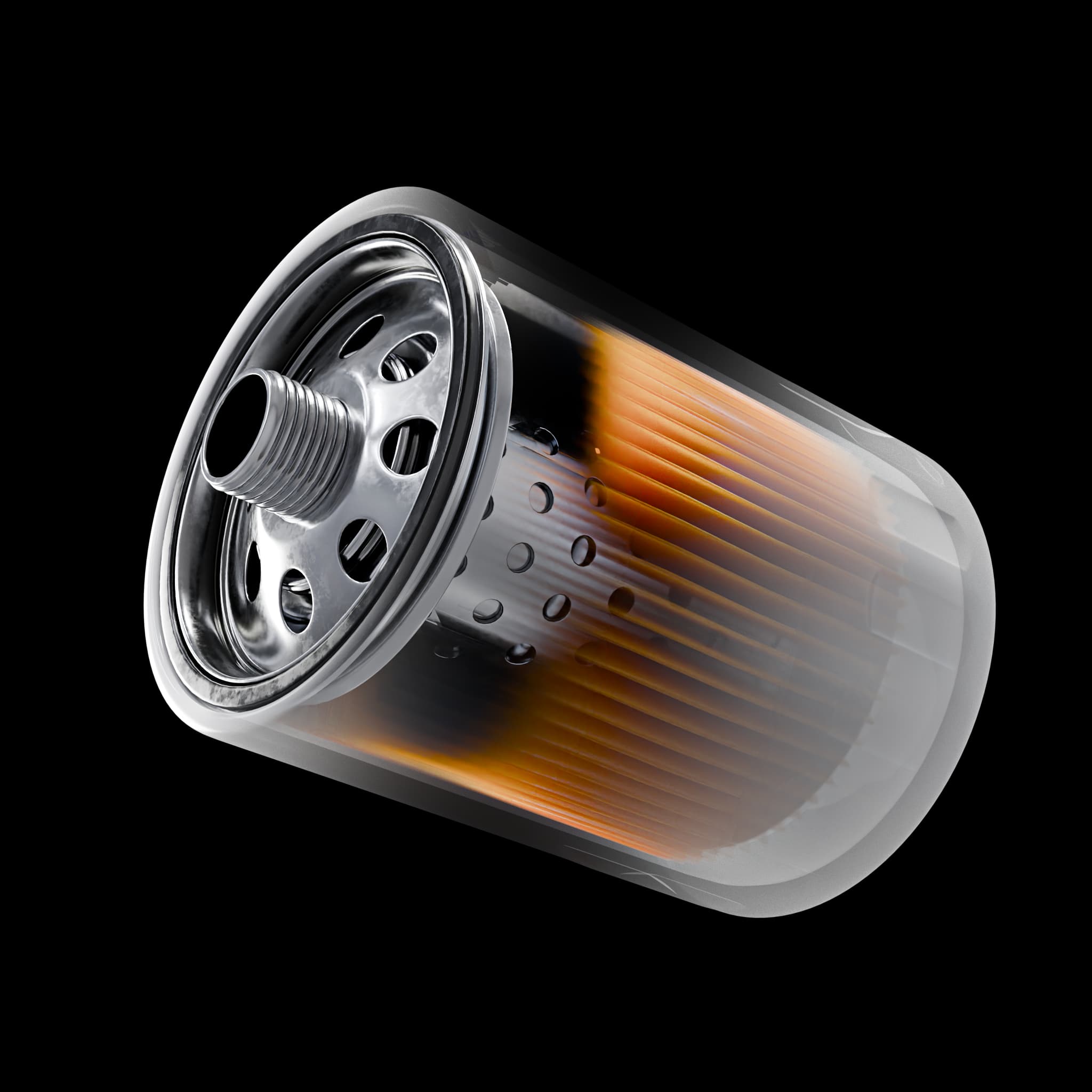
Live 3D Models
This is the actual product.
A live ProTools model: spin it, zoom it, and step through the annotations, right here.
9 annotated parts · hosted on Sketchfab, nothing to install
Get these tools with the Private Pilot course
$500 one-time payment. Enroll in Private Pilot to unlock ProTools alongside your lessons.
View Private Pilot course 1234
1234Annotations
Annotations
Every part, explained in place.
Numbered annotations walk you through a system component by component, tap one and the camera flies to it.
See how walkthroughs work →Model Library
A growing library of systems.
From an oil filter cutaway to a full Cessna 172s walkaround, the models match the systems your lessons cover.
Browse the library →
ProTools library
Oil Filter
9 annotated parts
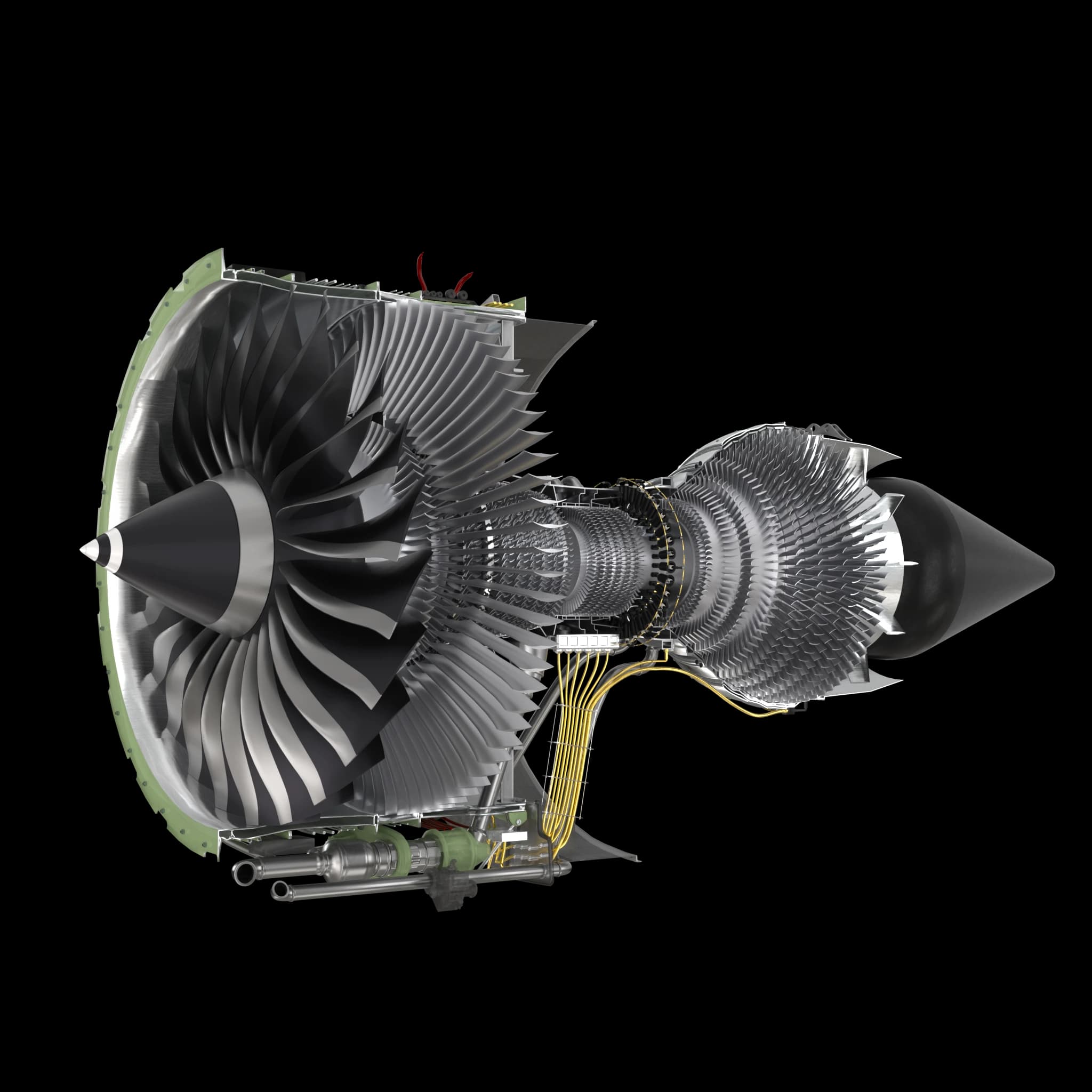
Jet Engine
12 annotated parts
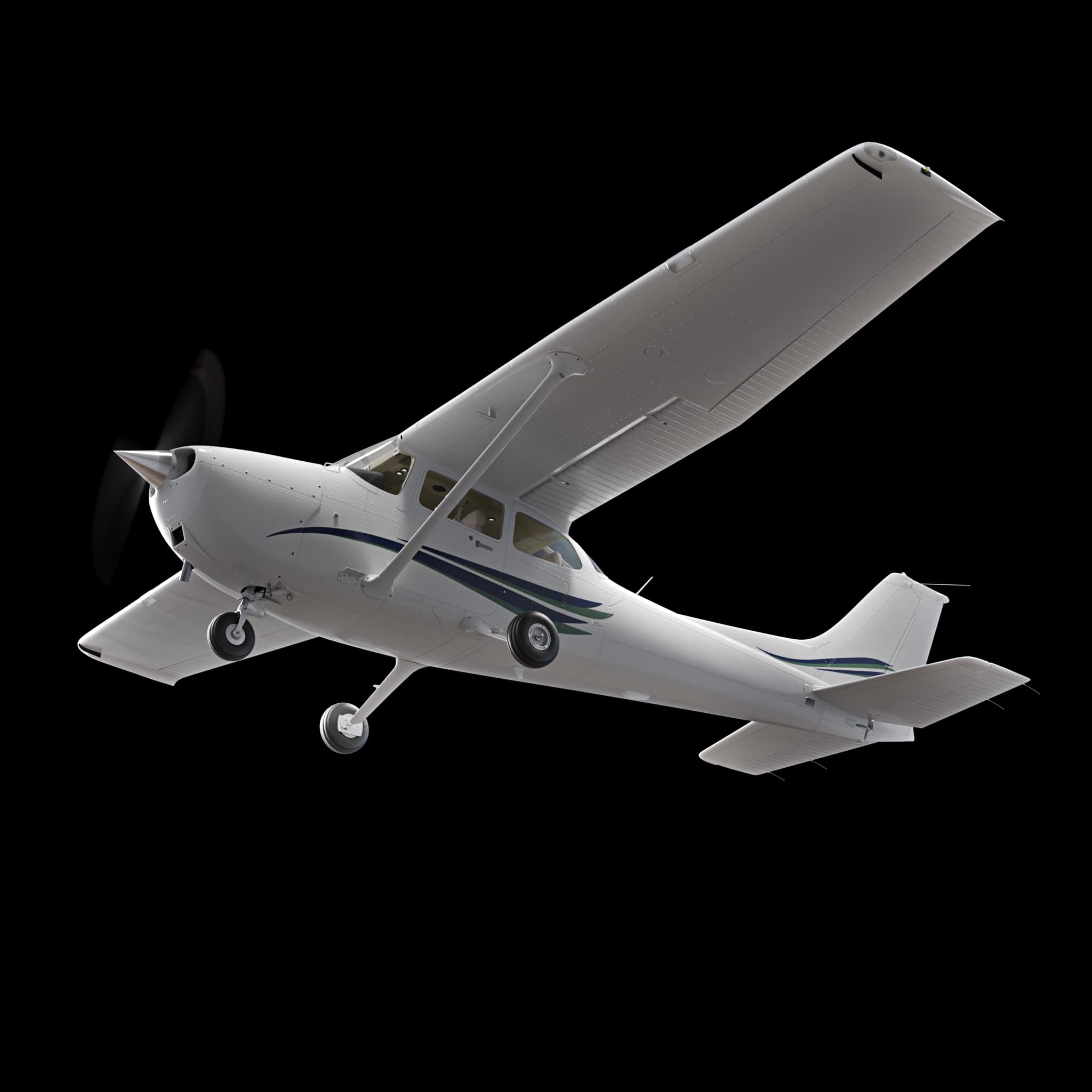
Cessna 172s External
15 annotated parts
Demo
See ProTools in action.
A walkthrough of how students pull a system apart, part by part, inside an AviatorPro course.
- Works on desktop, tablet, and mobile
- Runs in the browser, nothing to install
Included for AviatorPro enrolled students
ProTools comes with every AviatorPro course, no add ons, no extra cost. Explore the exact systems your lessons cover, right inside the course.
- • Annotated part by part walkthroughs
- • Works on desktop, tablet, and mobile
- • Hosted on Sketchfab, nothing to install
Built for flight schools & CFIs
Bring the hangar into ground school. Demonstrate a magneto or walk a preflight on the classroom screen, without tying up an aircraft.
- • Teach systems visually, part by part
- • Aligns with AviatorPro course curriculum
- • Institutional licensing available
Ready to get hands on?
ProTools is included with every AviatorPro enrollment. Start exploring the day you sign up.